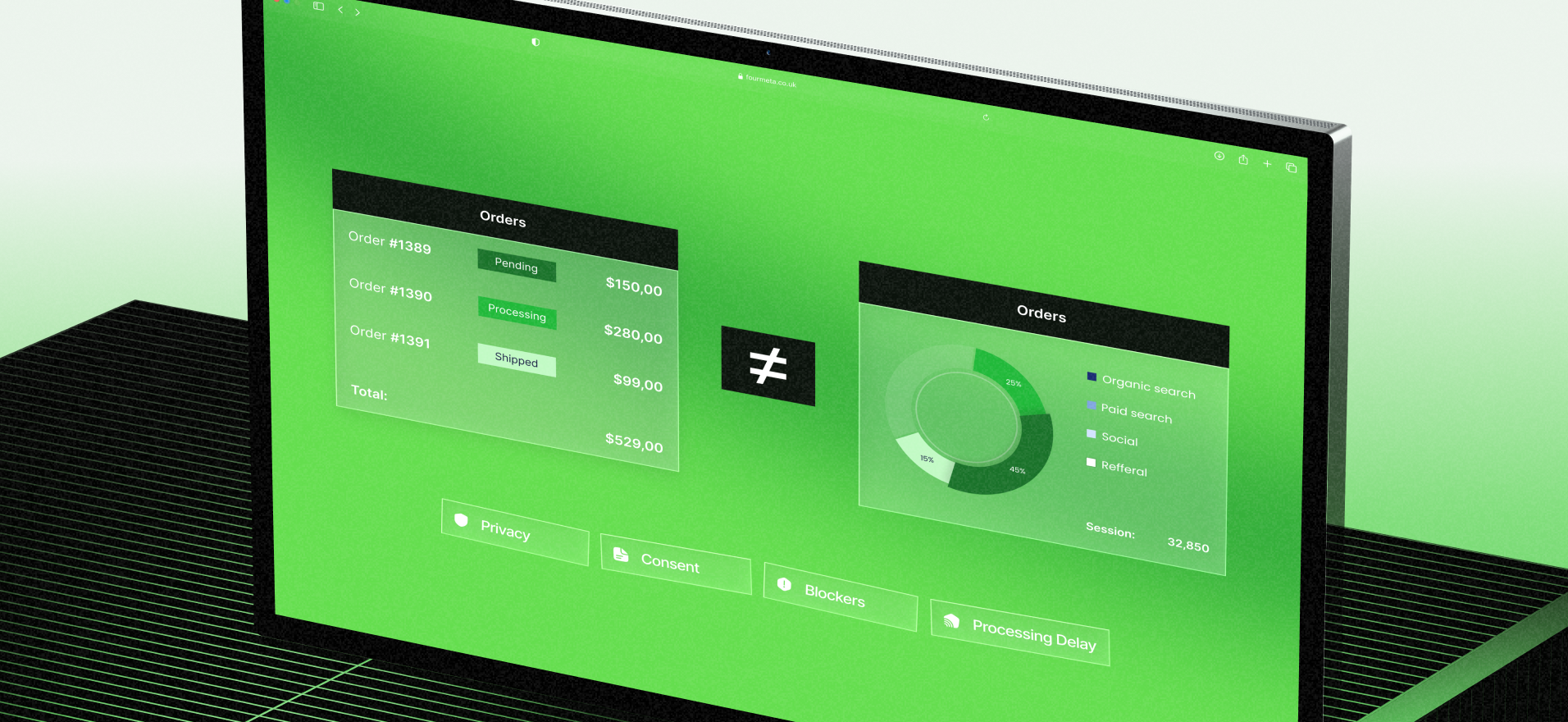
The 2026 Shopify Attribution Reality Check: Why Shopify ≠ GA4 (and what eCommerce Directors should report instead)

It’s only the beginning of 2026, but I’m already re-living the same call we had all through 2025.
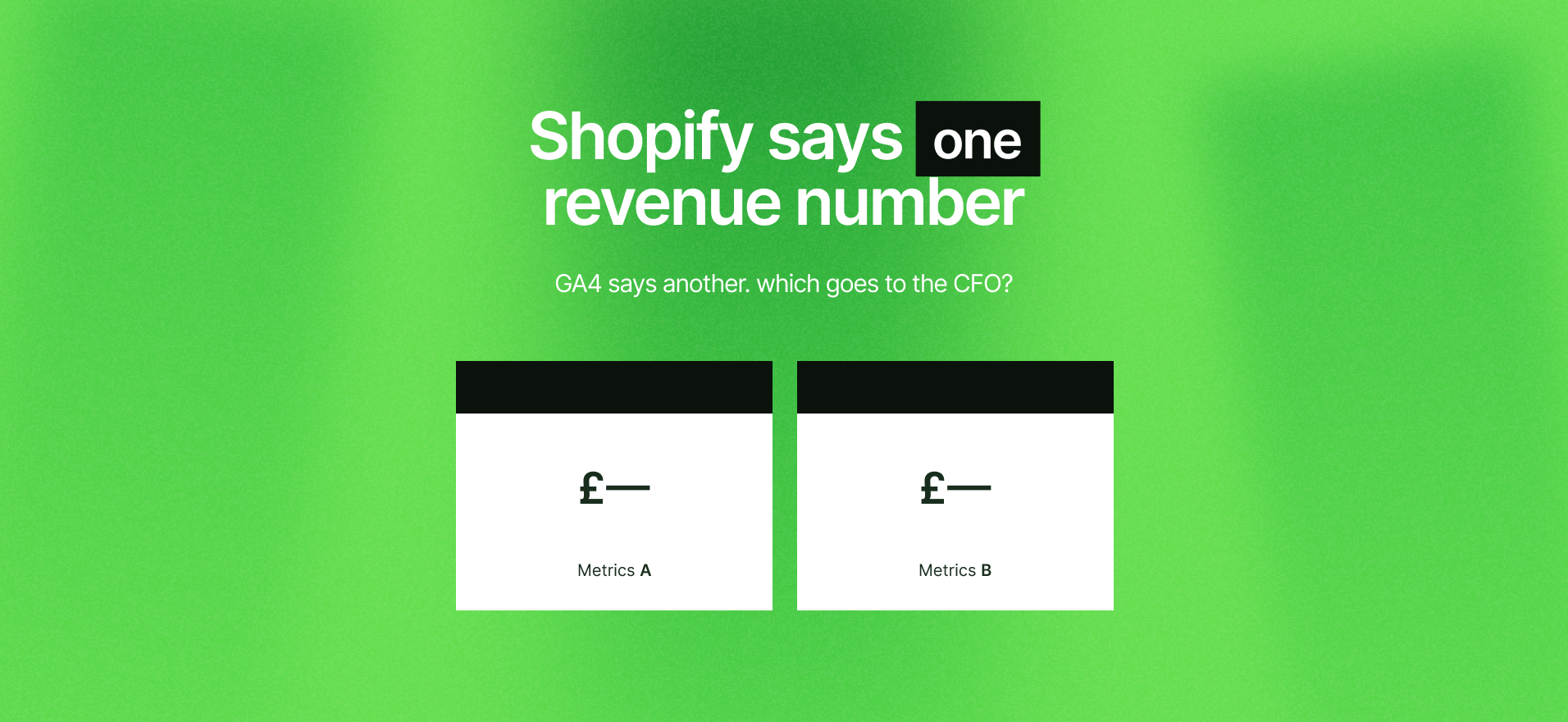
A strong eCommerce director opens Shopify, opens GA4, sees two different revenue numbers, and asks: “Which one do I take to the CFO?”
If that’s you — welcome, you’re normal.
I’m Maria, Head of Marketing at Fourmeta, and this mismatch is one of the biggest hidden reasons teams feel stuck.
Because when you can’t trust the numbers, you either freeze budgets… or you spend money and pray.
Neither is a strategy.
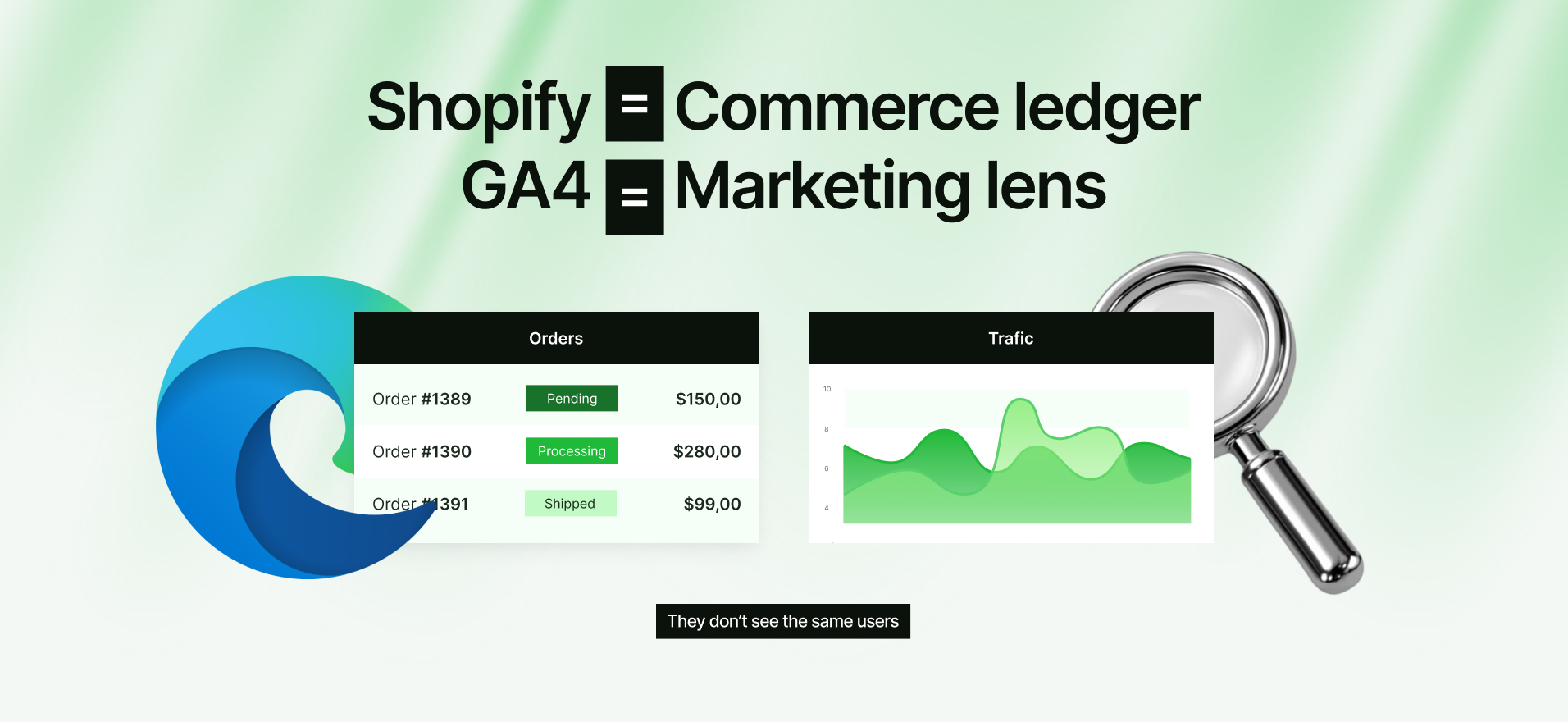
Here’s the truth: Shopify and GA4 are not measuring the same thing, and they don’t even “see” the same users.
Shopify itself explains that discrepancies happen because browsers behave differently, privacy settings block tracking, and GA requires JavaScript/cookies (plus extensions can block it).
So your job isn’t to “make them match perfectly” — it’s to build a defensible baseline you can report with confidence.
What eCommerce directors are searching in 2026 (aka the keywords behind this mess)
If you found this article, you probably typed something like:
- Shopify vs GA4 revenue mismatch
- Shopify analytics vs GA4 sessions
- GA4 missing purchases Shopify
- Shopify attribution 2026 / GA4 attribution ecommerce
- server-side tracking Shopify / CAPI / Enhanced Conversions
And yes — people are posting real gaps publicly.
One example from a BFCM period: a marketer reported ~30% revenue difference between Shopify and GA4 and got blamed for a ROAS drop.
Another thread shows Shopify reporting ~850 purchases vs GA4 ~655 (same month, same store).
Those aren’t “edge cases.”
They’re a preview of what happens when browser-based tracking meets privacy, consent, and messy setups.
First principle: Shopify is your commerce ledger, GA4 is your marketing lens
Shopify records orders because the purchase happens inside its system.
GA4 tries to observe user behavior in the browser, which can fail when scripts don’t fire, cookies are blocked, or attribution data arrives late.
So if you’re using GA4 as your financial source of truth, you’re setting yourself up for pain.
What we recommend as your “source of truth” split:
- Net sales / orders / refunds: Shopify (or your payment processor / ERP, if you’re enterprise).
- Channel performance direction + on-site behavior: GA4.
- Paid platform optimization: Google Ads / Meta, but validated against Shopify outcomes.
That’s the baseline that survives board meetings.
And yes, it’s still worth fixing your tracking — because directionally wrong data is expensive.
Reality check #1: GA4 can legitimately be “late” (even when nothing is broken)
GA4 data freshness is not instant outside realtime/debug.
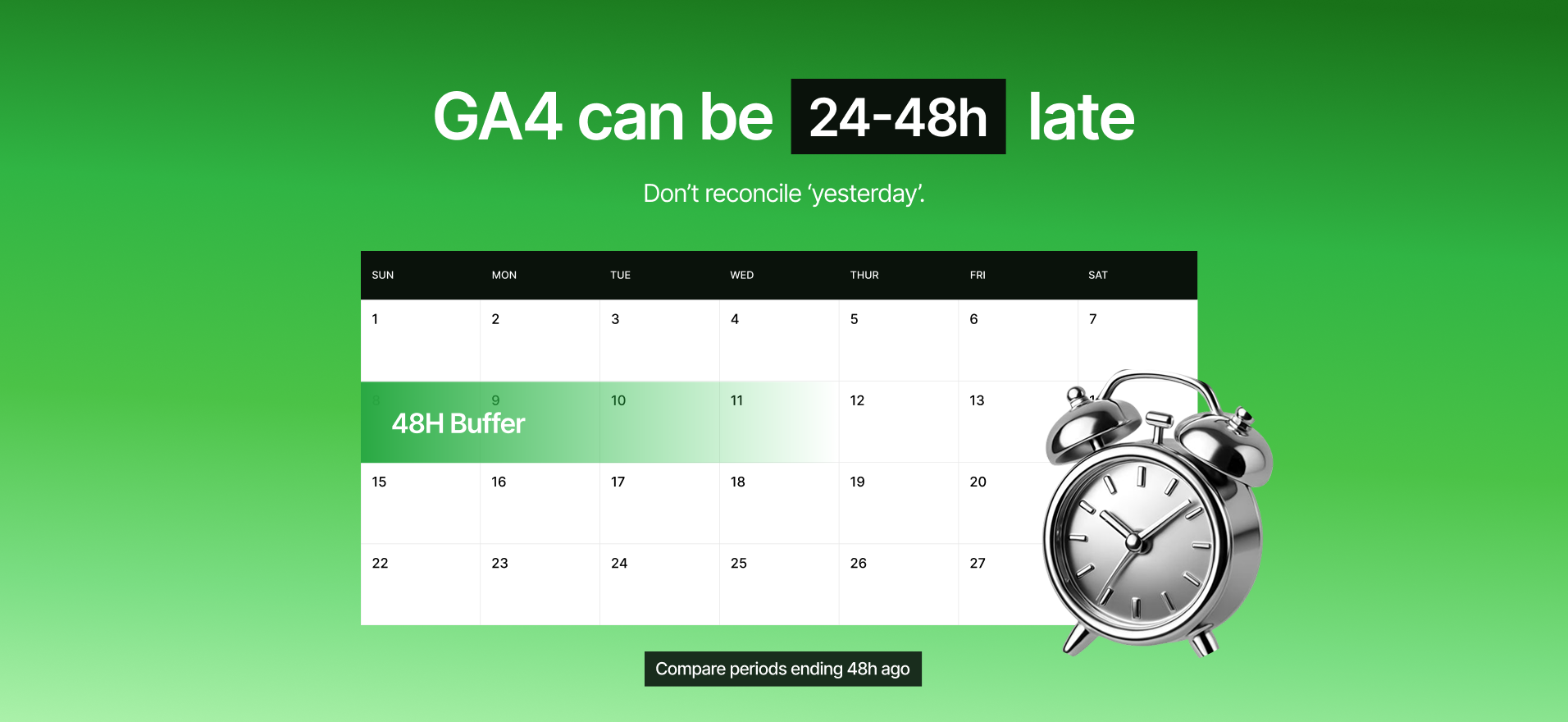
Google states that processing can take 24–48 hours, and during that window your reports can change.
So if you’re comparing “yesterday” in Shopify to “yesterday” in GA4, you can accidentally compare a final number to a not-final number.
Quick rule that avoids panic:
Compare periods that end at least 48 hours ago when you’re reconciling.
If your team wants near-real-time, build a separate view (or pipeline) instead of forcing GA4 to be something it’s not.
Reality check #2: Sessions won’t match, and that’s not a bug
GA4 often shows fewer sessions/users because it filters bots and depends on browser tracking actually loading.
Shopify counts visitors and sessions differently, and Shopify explicitly calls out differences in session definitions, bots, reloads, caching, and tracking mechanisms.
So if your “sessions” don’t match, that doesn’t automatically mean “tracking is broken.”
What matters is: are your decisions based on stable trends, and do they align with Shopify outcomes?
If yes, you’re okay.
If no, you need a cleanup.

Reality check #3: Privacy + blockers create invisible revenue gaps
Shopify bluntly says GA can only count visitors with JavaScript/cookies, and extensions can block Google Analytics entirely.
That’s why GA4 can undercount purchases even if your checkout is healthy.
And consent setups can make it worse.
Google support responses in the wild also point to cookie/consent issues: if users don’t allow cookies, GA4 may not record “standard” conversions the way you expect, and modeling may behave differently in reports.
So if you launched a consent banner and your GA4 revenue dropped overnight, it might not be “demand.”
It might be “visibility.”
Reality check #4: iOS 26 isn’t the apocalypse, but click IDs can still disappear
In 2026, a lot of teams are anxious about iOS/Safari changes.
Some privacy analysis says Safari 26 expands Link Tracking Protection and can strip known tracking parameters in specific contexts (Private Browsing, Mail, Messages).
On the other side, measurement vendors have tested and argue UTMs are largely safe and that the bigger risk is click IDs like gclid/fbclid in certain edge cases.
The director takeaway is simple: don’t build reporting that depends on a single fragile identifier.
Build redundancy: server-side, first-party identifiers where appropriate, and clean naming conventions.
So what should you report to the CFO (without getting roasted)?

This is the reporting framework we use when Shopify and GA4 disagree.
It’s clean, defensible, and it keeps finance calm.
Report these three layers (every month):
- Commercial truth: Shopify net sales, refunds, orders, AOV, gross margin (if available).
- Marketing truth: GA4 channel trends, landing page performance, new vs returning behavior, cohort signals.
- Decision truth: blended CAC / MER (spend vs Shopify net sales) + incremental learnings.
You don’t need “one number” for everything.
You need a system where each number has a job.
That’s how you stop attribution debates from eating your growth meetings.
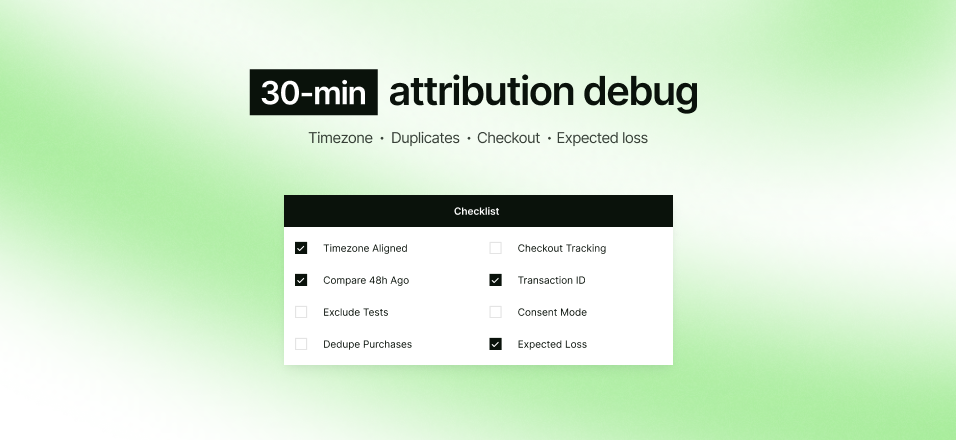
The 30-minute Attribution Debug Worksheet (the stuff we check first)
If you want a fast self-audit, here’s what should be on your worksheet.
These are the most common causes behind Shopify ≠ GA4.
Step 1: Eliminate “fake” mismatches
- Confirm Shopify timezone and GA4 property timezone are aligned.
- Compare periods that end 48 hours ago, not “yesterday.”
- Exclude test orders and duplicated purchase events.
Step 2: Check the tracking plumbing
- Look for double tracking (two purchase events firing).
- Validate checkout tracking setup, especially if you’ve migrated setups or mixed pixels.
- Confirm your purchase event fires once, with the right transaction ID.
Step 3: Understand your “expected loss”
- Expect some loss from blockers, Safari, and consent realities.
- If you see large gaps, prioritize the pages/flows where events fail (checkout steps, thank-you page, post-purchase redirects).
Step 4: Make measurement resilient
- Add server-side collection where it makes sense (especially for paid platforms).
- Implement Enhanced Conversions / CAPI with proper deduplication if you’re serious about performance stability.
- Build a monthly prompt: “Does GA4 trend align with Shopify outcomes?” (not “do they match exactly?”).
Where Fourmeta fits (and how we can help in 72 hours)
If your GA4 vs Shopify gap is creating reporting chaos, we can help you stop guessing.
At Fourmeta, we validate your tracking end-to-end and give you a defensible baseline: what to trust, what to fix, and what to report.
Our offer: “We’ll validate your tracking in 72 hours.”
You get: a mismatch diagnosis, a prioritized fix plan, and a reporting template your team can reuse.